
Hands-free tab rotation
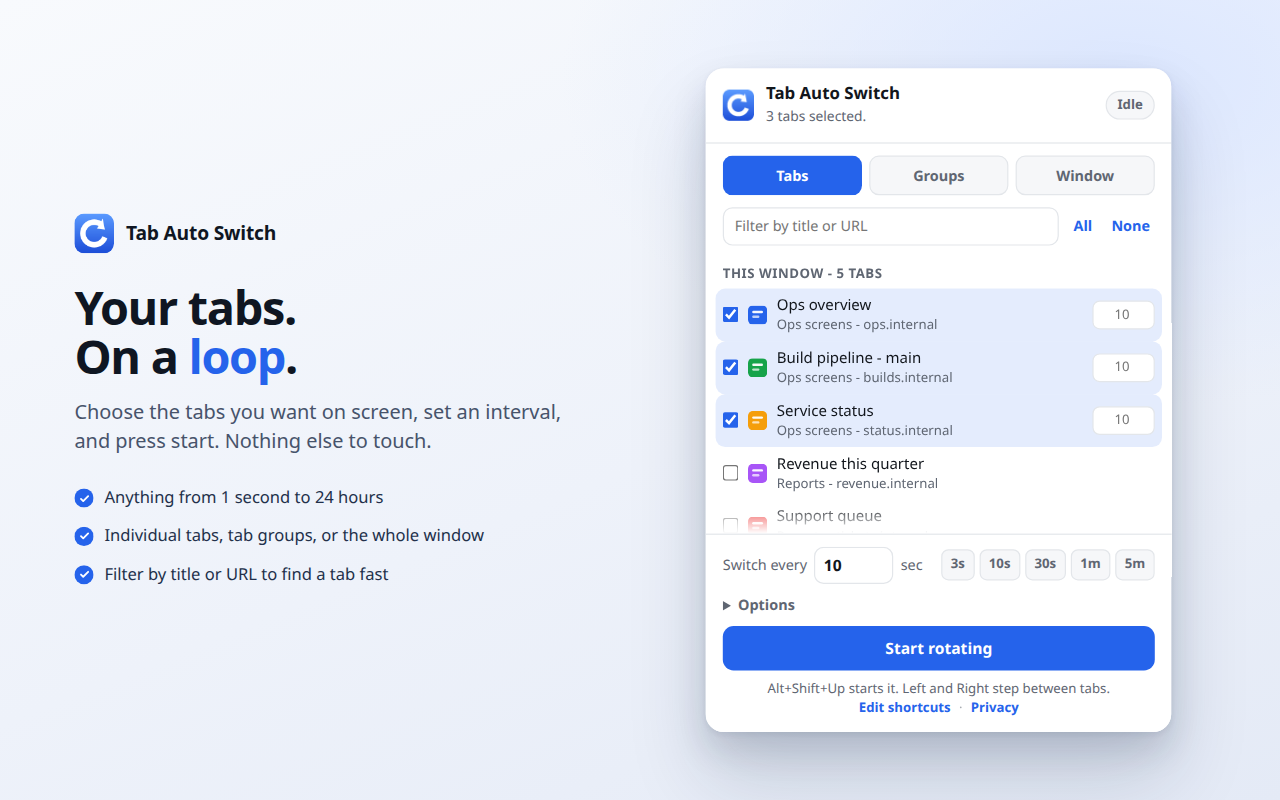
Pick the tabs you care about, choose how long each one stays on screen, and press start. Chrome cycles through them until you stop it. Nothing to babysit, no clicking, no keyboard.
What it does
- Rotates anything you pick. Individual tabs, one or more tab groups, or every tab in the window. Tabs added to a chosen group later join the rotation on their own.
- One rotation per window. Each window keeps its own selection, interval, and play state, and they run side by side. Put dashboards on a second screen while you work normally in your main window.
- Any pace. One second to twenty-four hours, with presets, and per-tab dwell times when one dashboard deserves longer than the rest.
- Built for unattended screens. It holds the display awake while it plays, and can reload each tab as it opens so nothing goes stale.
- Stays out of your way. It pauses the moment you take over the window yourself, and never pulls Chrome in front of what you are doing.
Controls where you are looking
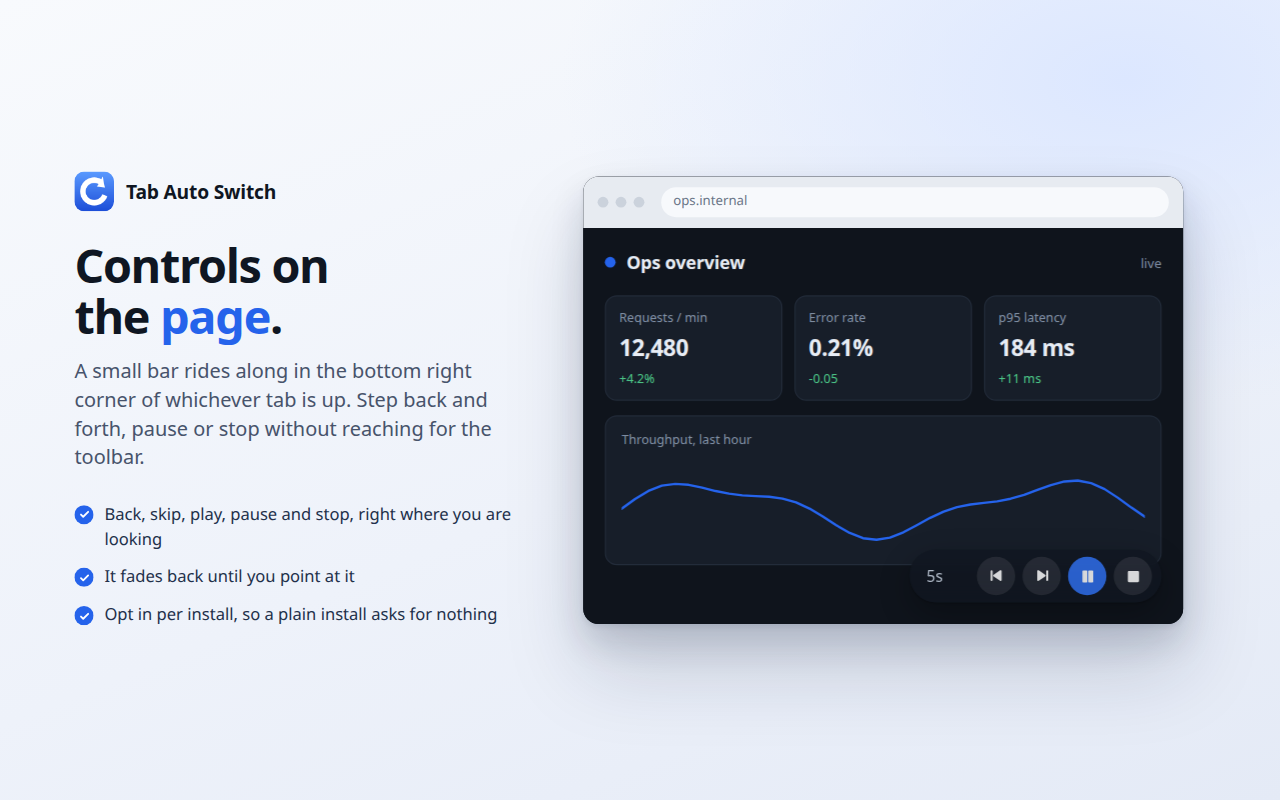
An optional control bar rides along in the corner of the page itself, so you can step back, skip, pause or stop without reaching for the toolbar. The same four controls sit in the popup, and the arrow keys with Alt and Shift do the same job.
Privacy, in one line
No accounts, no analytics, no network requests, no data collection. Your settings never leave your computer. The privacy policy spells out exactly what each permission is for.
Good for
Wall displays and TV dashboards, network and system monitoring, trading screens, digital signage, kiosks, presentations, and keeping an eye on long-running jobs.
If it earns its keep
The extension is free, has no accounts, and asks for nothing. If it saves you some clicking, you are welcome to put something in the tip jar.
Questions, problems, ideas
The support page has the troubleshooting answers and the address to write to. Feature requests are genuinely welcome.